Verify Your Recovery Phrase
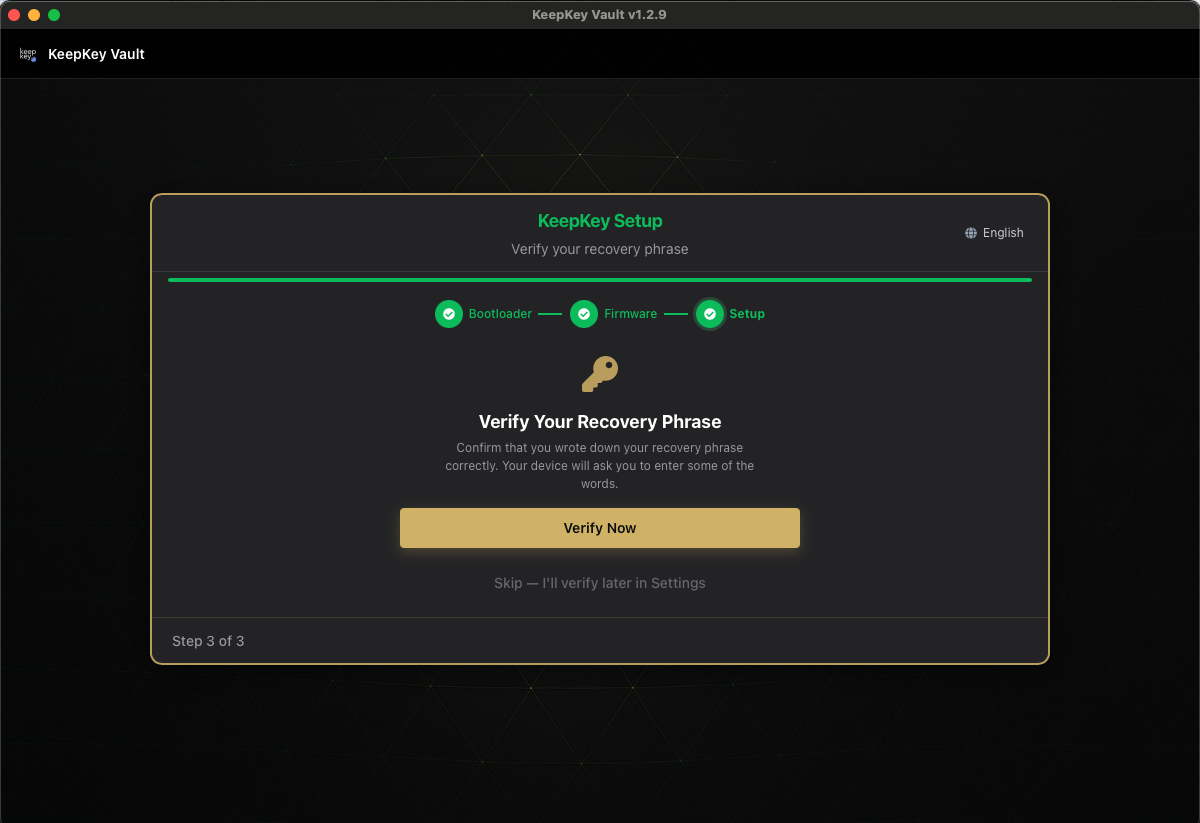
“Confirm that you wrote down your recovery phrase correctly. Your device will ask you to enter some of the words.”
An untested backup is a piece of paper you only believe is a backup. Common mistakes are word 9 written as flat instead of float, two words swapped, or a letter you can’t read later, and they turn up years on, when you need the backup. Checking now takes about a minute.
Verify Now
On a KeepKey you enter every word of your phrase, in order, with the same scrambled entry used for recovery. The card above says “some of the words”; that wording is being corrected. Read them from your paper, not from memory: you are testing the paper. The check runs on the device, and your computer only learns whether the phrase matched.
On the KeepKey emulator, the app instead asks for 3 words at random positions.
Recovery Phrase Verified
“Your backup is correct. Keep it safe — never share it with anyone.”
Your paper will restore this wallet on any BIP-39-compatible device. Put it away safely now: Recovery Phrase.
Verification Failed
“The words you entered did not match. Please try again or check your written backup.”
KeepKey Desktop shows this for every failure. The device screen says which one it was:
| Device says | Meaning |
|---|---|
| The seed is valid and MATCHES the one in the device | Passed. Your paper is correct. |
| The seed is valid, but DOES NOT MATCH the one in the device | You entered a real recovery phrase, but for a different wallet. Check you have the right paper. |
| The seed is INVALID, and DOES NOT MATCH the one in the device | A word is wrong, misspelled or out of order, so the phrase fails its checksum. Every word can be a real word and this can still happen. It can also mean the scrambled letters were misread. |
Don’t wipe the device. The real seed is still on it, so you can retry as many times as you need. Check word order (swapped neighbours are the most common mistake) and unclear handwriting (l/1, rn/m). Also check that each word is on the BIP-39 list: the first four letters identify a word. Then choose Try Again.
If your paper still won’t match, the backup is wrong. While the wallet has no funds, the safe fix is to wipe it and create a new one with a new backup.
A wipe deletes the wallet on the device. Creating a wallet again makes new words, so the old paper will never match it. Only wipe a wallet that holds no funds, and write down the new words when they appear.
Skip — I’ll verify later
The wizard won’t remind you. If you skip, run Verify Seed in Settings before you send any meaningful amount.