Creating Your Wallet
“Follow the prompts on your KeepKey device screen. Write down the seed words carefully — they are your backup.”
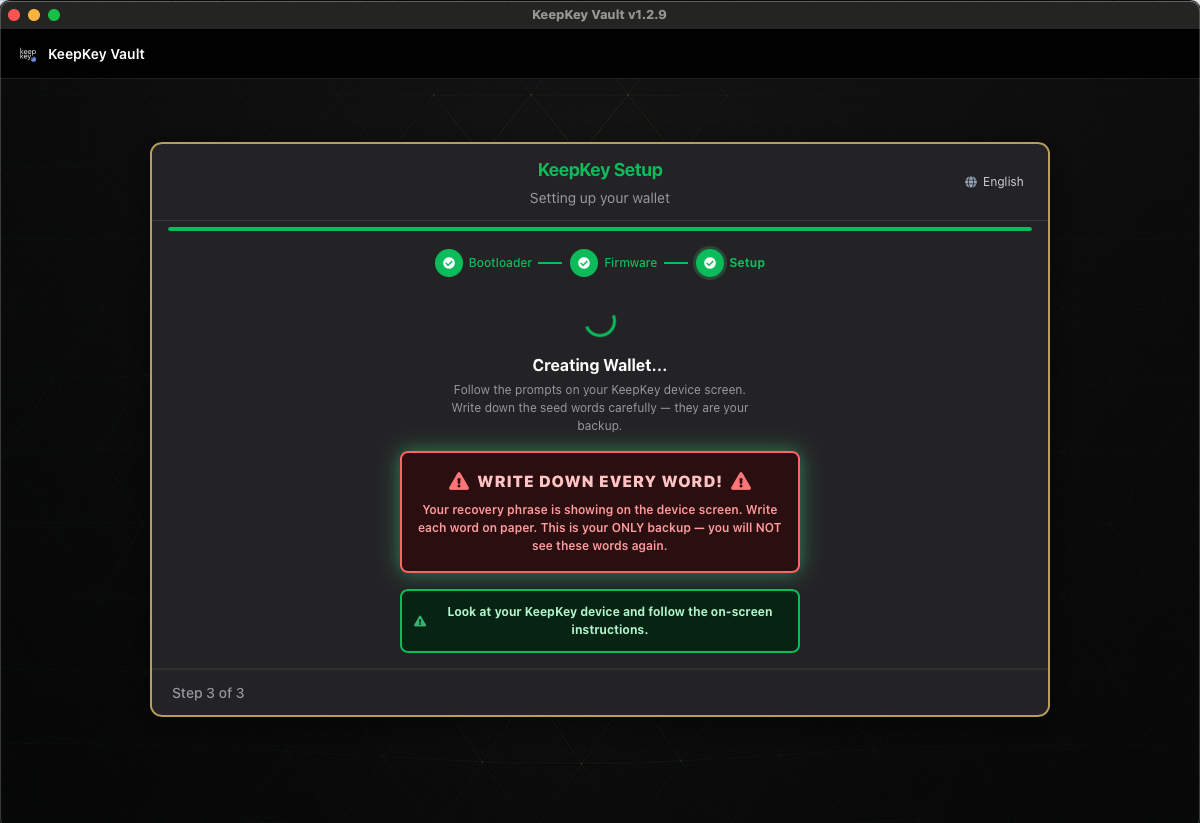
From here the work happens on the device screen, and KeepKey Desktop waits for you.
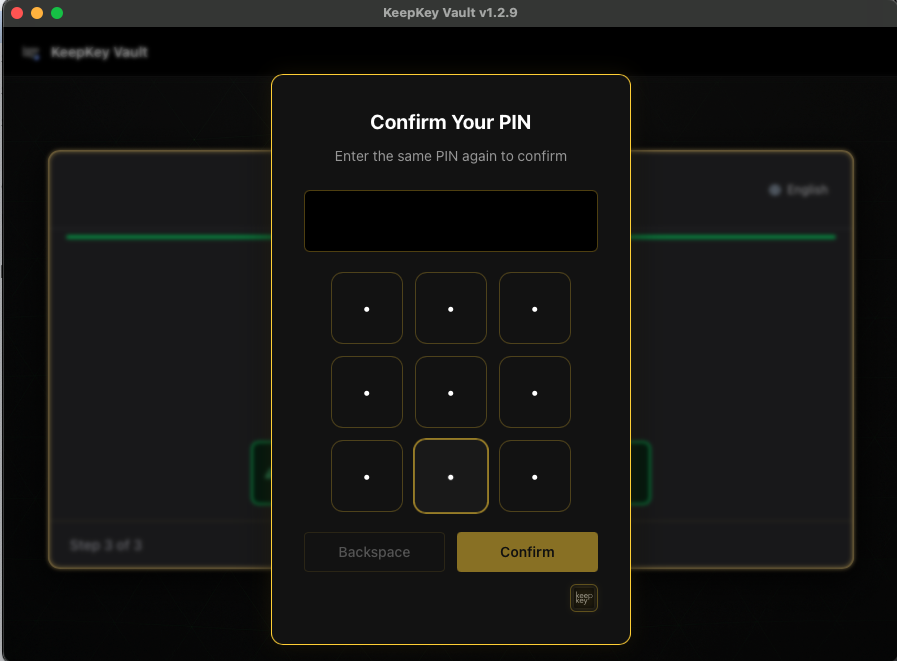
1. Set your PIN
The device asks for a new PIN and then asks you to enter it again, both on the scrambled grid. Your PIN is Scrambled explains the grid. For choosing a PIN, see PIN.
2. Write down every word
“Your recovery phrase is showing on the device screen. Write each word on paper. This is your ONLY backup — you will NOT see these words again.”
That is literal: the device never shows the phrase again. Write the words on paper, numbered and in order, checking each spelling against the device. Don’t photograph the screen, and don’t walk away while the words are showing. How to store the paper: Recovery Phrase.
If you’re recovering instead
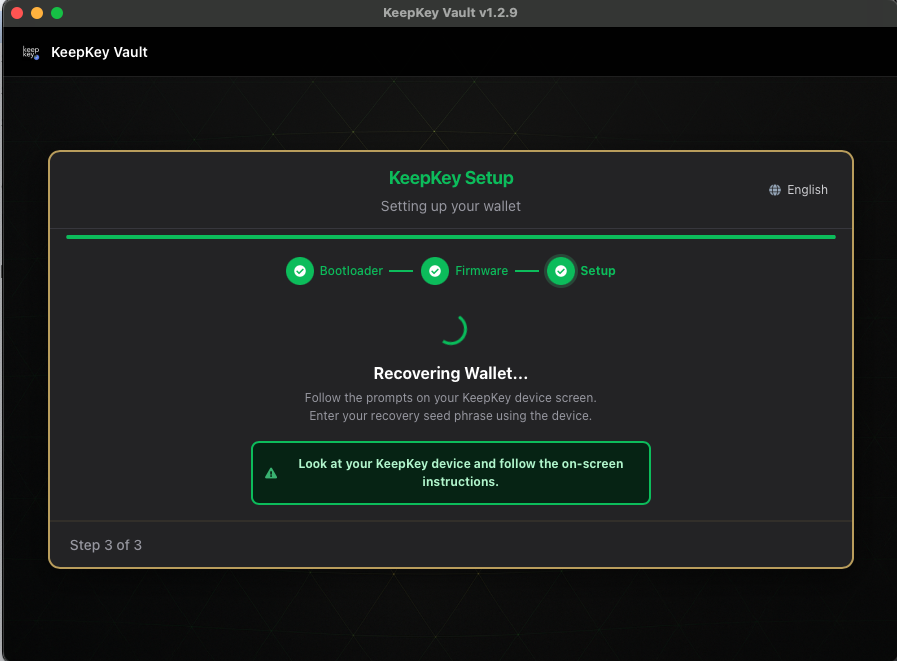
“Follow the prompts on your KeepKey device screen. Enter your recovery seed phrase using the device.”
You set the PIN the same way, then enter your words with scrambled recovery entry.
If something goes wrong
“The two PINs didn’t match.” Your two PIN entries were different, so nothing was saved: no PIN and no wallet. Choose Try again.
“Setup stopped on the device.” The action was cancelled on the device. Nothing was saved.
“Device disconnected. Plug it back in to continue, or go back to try again.” The USB connection dropped. Plug the device back in, or use Go Back and start again. Use a data cable plugged straight into the computer, not a hub.
“Failed to create wallet” / “Failed to recover wallet.” Go back and retry. If it keeps failing, check Firmware Updates, and on Linux check Linux Tips. Try another cable and port before suspecting the hardware.
Recovery rejects your words: see If recovery fails.
Related
- Name Your Device: the next screen
- Set Up Your KeepKey: the full setup flow