Portfolio
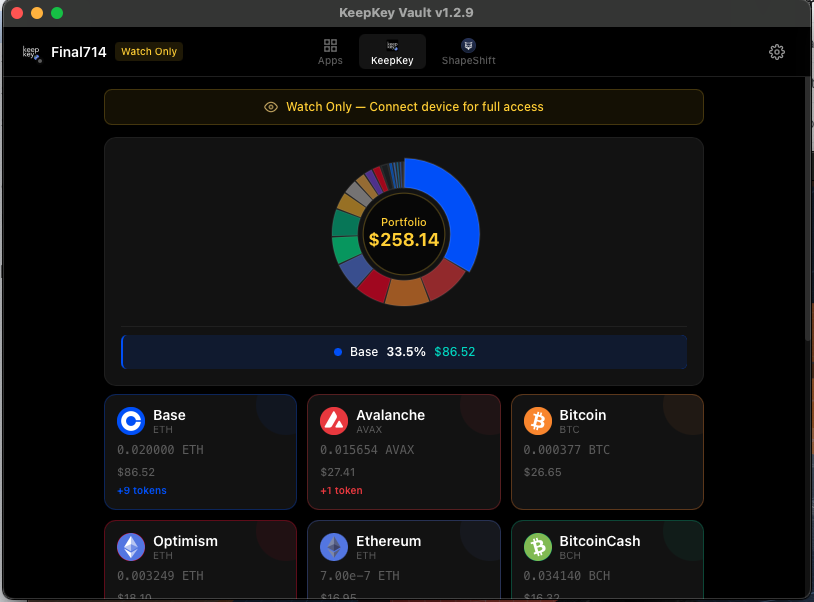
The portfolio view is the main dashboard of the desktop application. It shows every asset the device holds across every chain, along with total value, token balances, and quick actions.
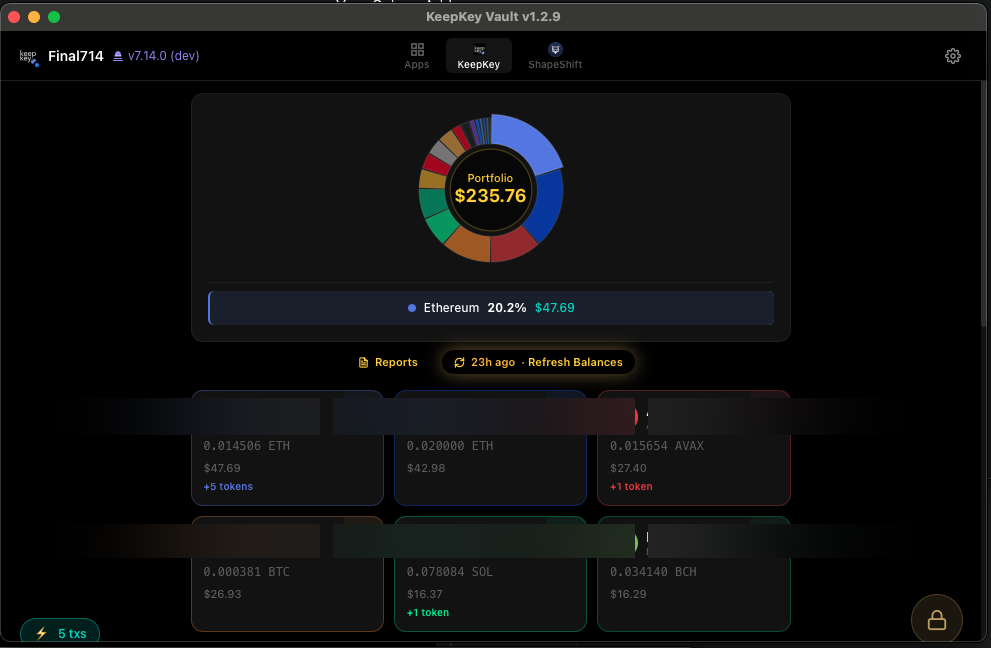
Asset cards
Each asset you hold is shown as a card with:
- The asset name and symbol (BTC, ETH, ATOM, etc.)
- The network it lives on
- Your balance in native units and in USD
- Send and Receive buttons for quick actions
Click a card to drill into the asset and see its address, transaction history, and any associated tokens.
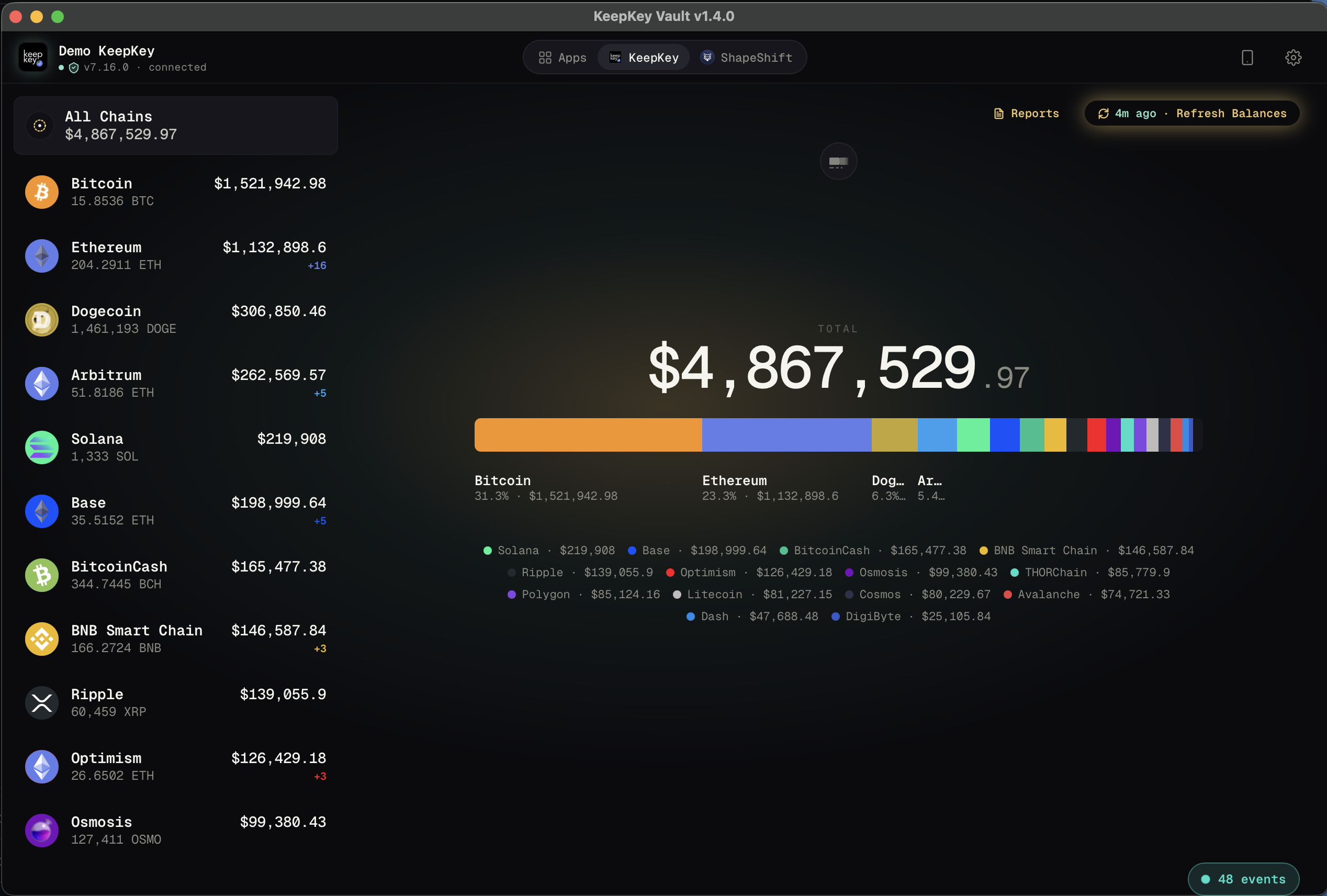
All Chains, grey rows and Audit
The All Chains row at the top of the chain list shows your total across every chain. Select a chain to see only that chain; select All Chains to go back.
A chain shown in grey means no balance was found on the addresses KeepKey Desktop checked. The chain isn’t switched off.
Audit (top right, next to Reports) looks for funds on other address types, higher accounts and chains that didn’t report. It’s available while your KeepKey is connected. See My coins are missing or show 0.
Portfolio views
The main panel cycles through several visualizations — click the view toggle to switch:
Chain grid — cards for each chain with balances at a glance.
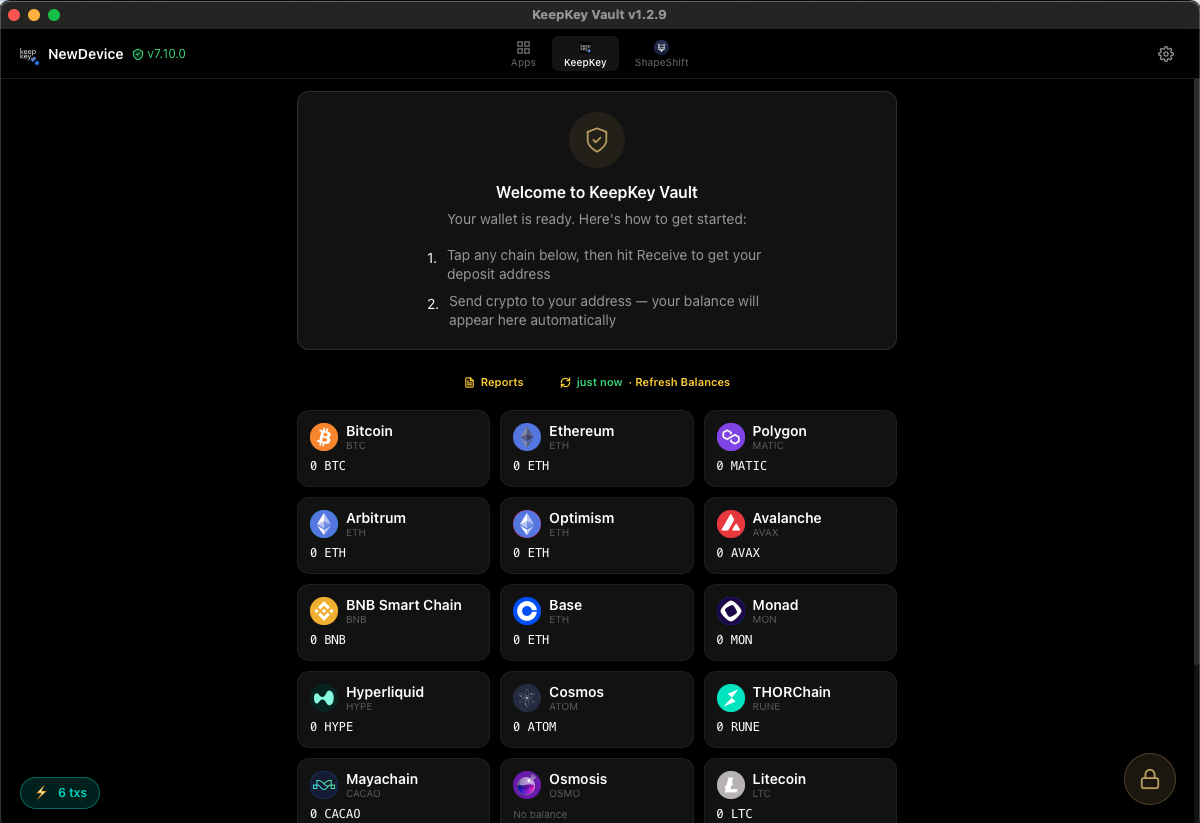
Pie chart — donut chart showing portfolio allocation by chain.
Bar chart — horizontal breakdown of value across chains.
Bubble view — floating coin bubbles sized by value.
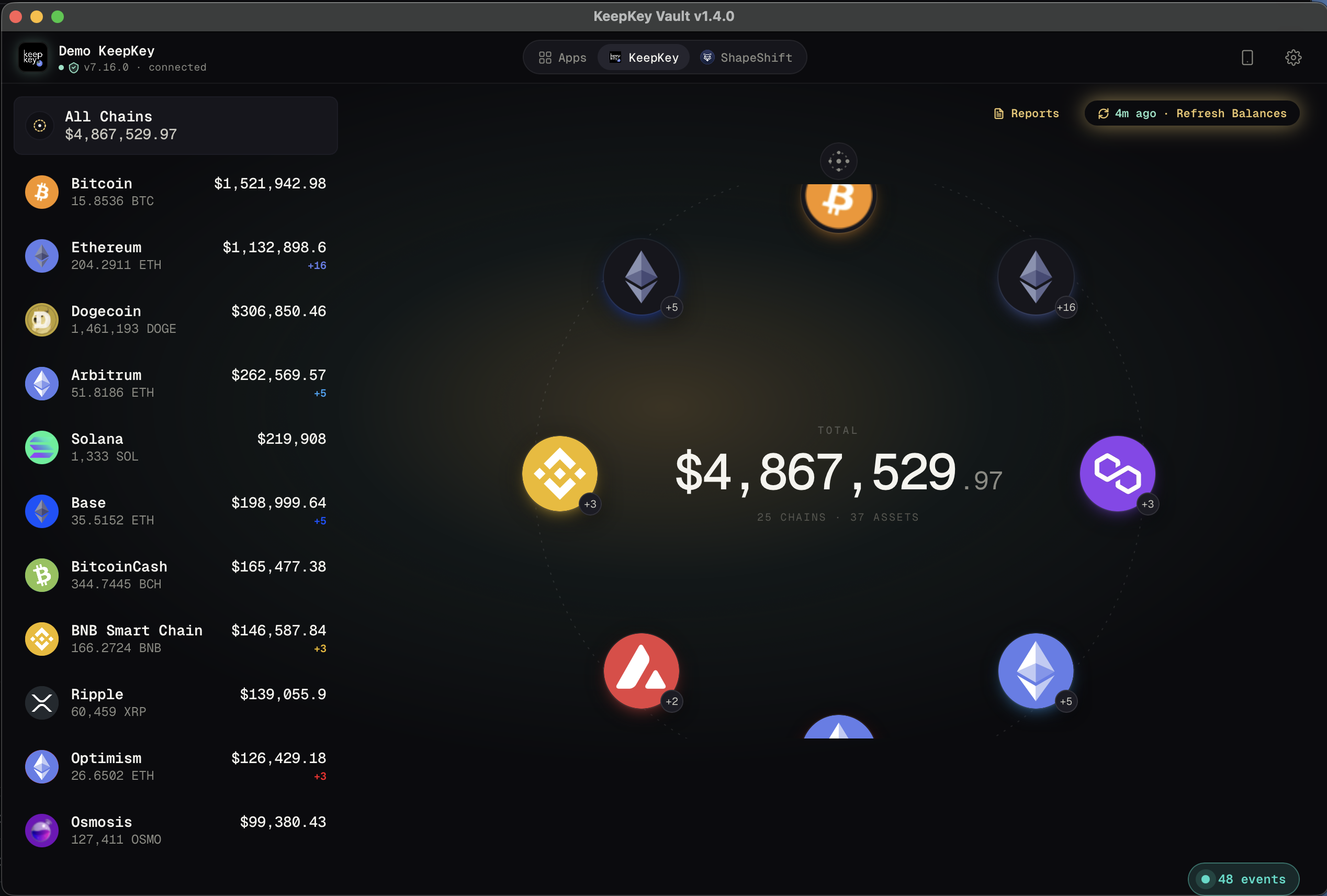
Token list
For EVM chains, ERC-20 tokens are listed separately from the native asset. This includes stablecoins like USDC, wrapped assets like WBTC, and any other tokens you’ve added.
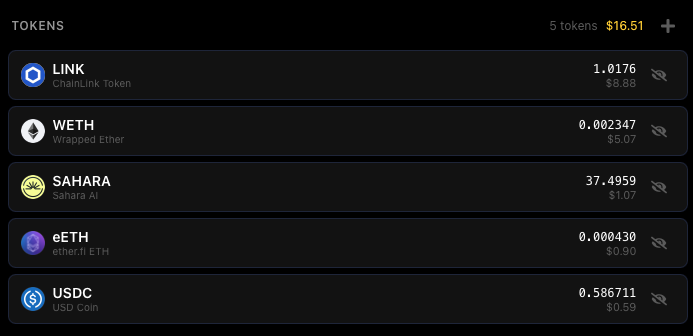
If a token you own isn’t appearing automatically, you can add it manually by contract address.
Activity
The Activity page shows your full transaction history across all chains — sends, receives, and swaps — with status indicators (pending, confirming, confirmed).
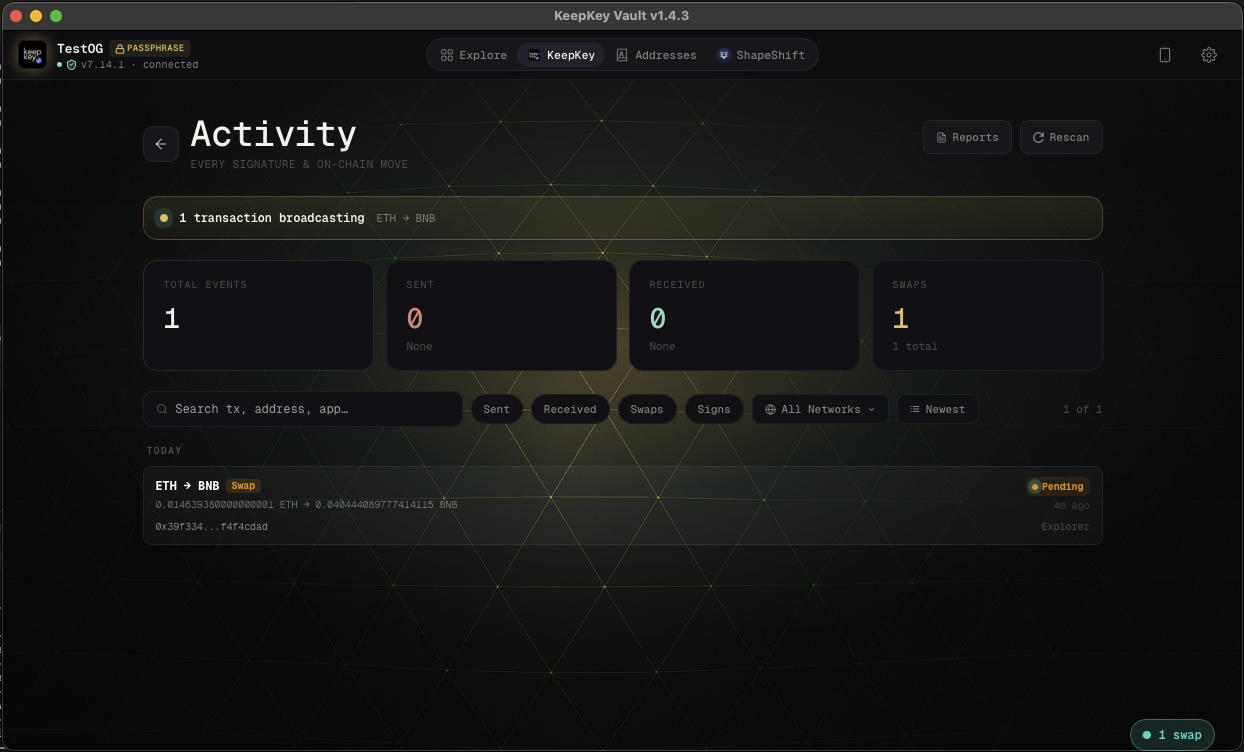
You can filter by network, transaction type (Sent / Received / Swaps / Signs), and search by address or transaction hash. A Recent Activity panel also appears as a side drawer when viewing a chain’s asset page.
Reports & Tax Export
Click Reports (top-right of the portfolio view) to open the tax export modal. Click Generate Report to build a fresh snapshot — this queries all 25 chains for current balances, BTC transaction history, and address flow.
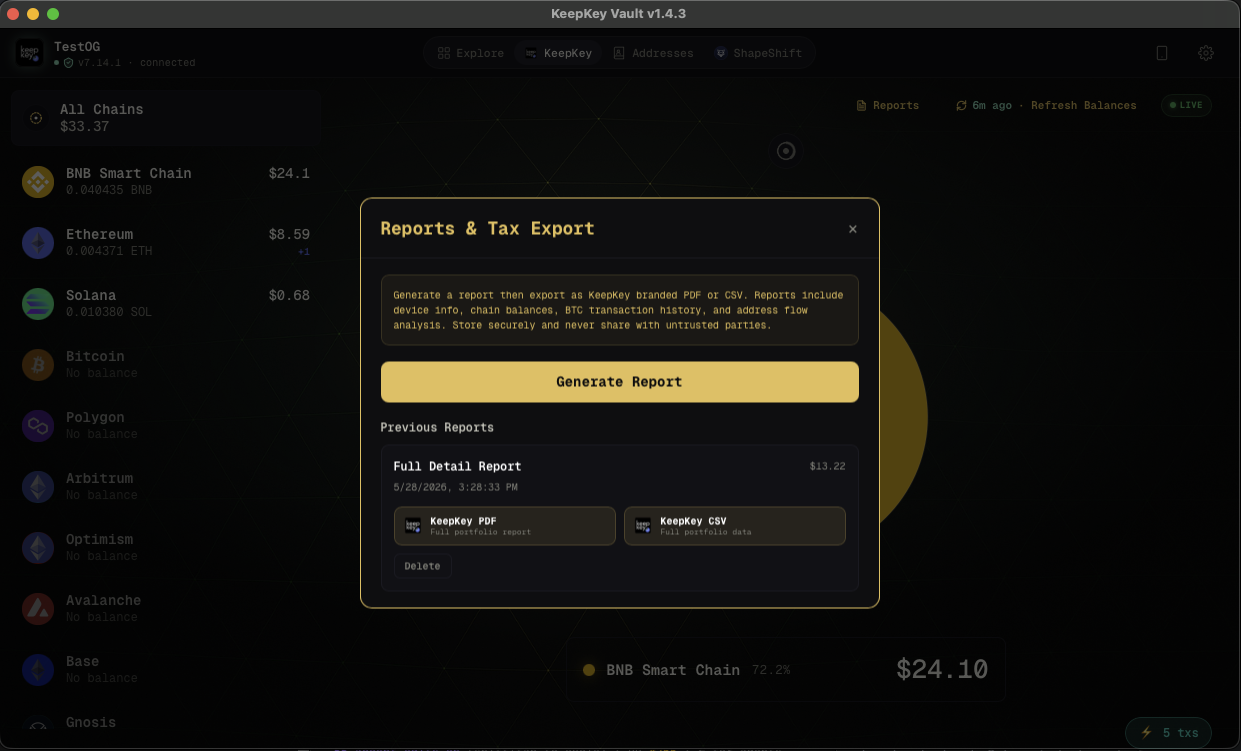
Each generated report is saved locally and listed under Previous Reports. From there you can download it as a KeepKey-branded PDF or a CSV for import into tax software.
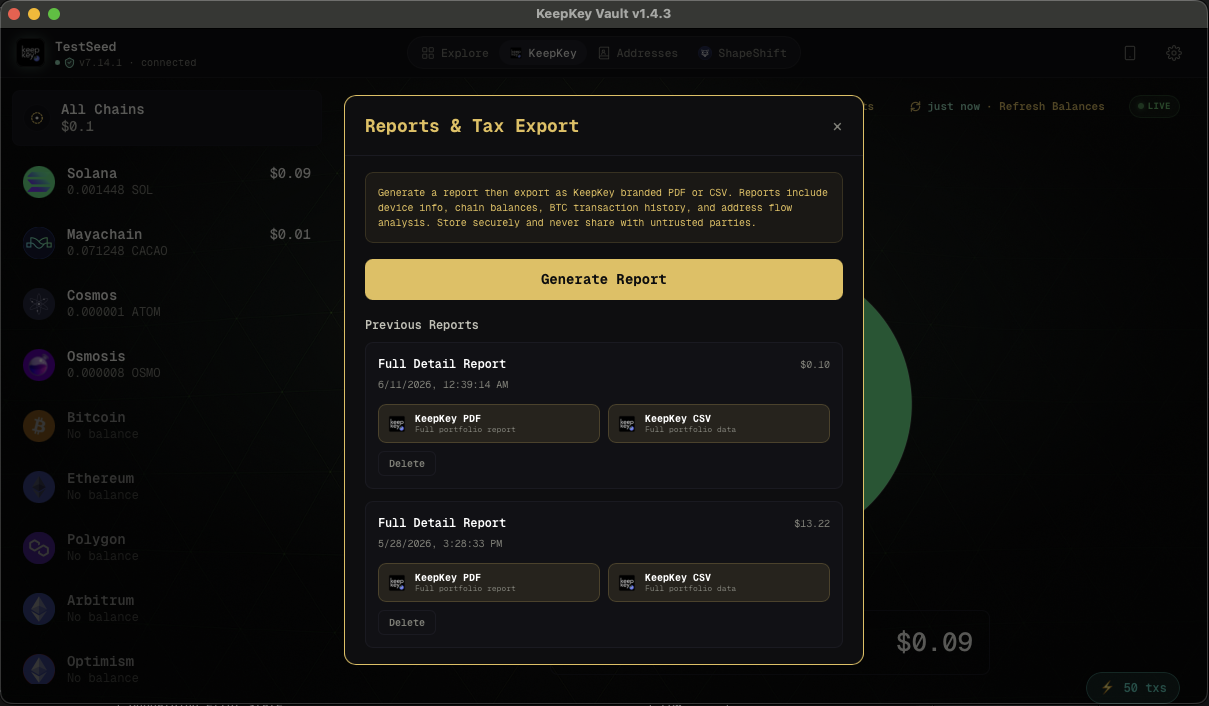
Reports include: device info, firmware version, all chain balances and addresses, BTC XPUBs, full BTC transaction history, and token holdings. Store them securely — they contain your full public address set and transaction history.
View a sample portfolio report (PDF) — 25 chains, complete report format, generated from a test device.
Read the CI Test Atlas — versioned results and device-screen evidence, with explicit limits.
Watch-only mode
If your device is unplugged, the desktop application falls into watch-only mode. You can still see your portfolio (using cached public keys) but can’t sign anything until you reconnect.
Title bar navigation
The title bar provides quick navigation between the main views: Portfolio, Swap, Settings, and the asset detail pages.
Related
- Send & Receive — move assets in and out
- Swap — trade between assets
- Settings — configure what shows up
- My coins are missing or show 0 — grey chains, Audit and Reset App Data