Passphrase (Hidden Wallets)
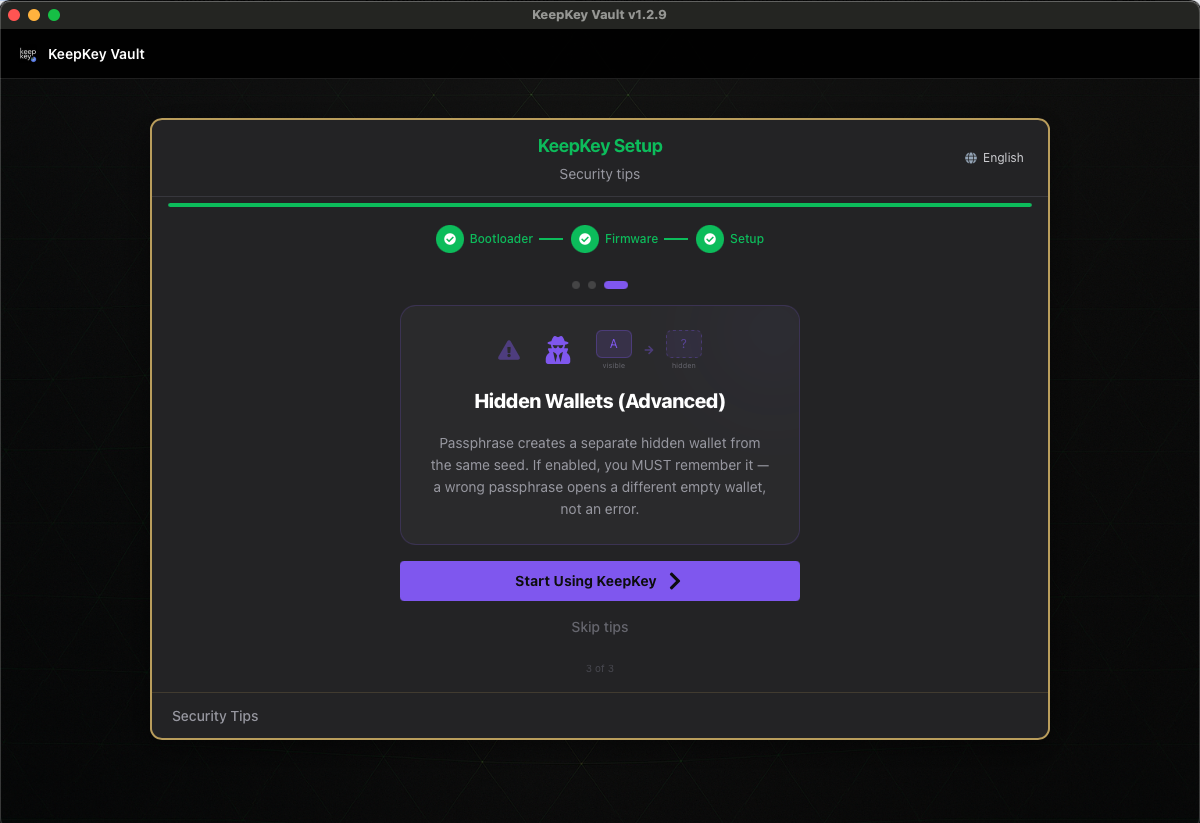
A passphrase creates a separate hidden wallet from the same recovery seed. Combined with your 12 or 24 words, the passphrase derives a completely different set of private keys. If you enable it, you must remember the exact passphrase — a wrong passphrase silently opens a different empty wallet, not an error.
How it works
Your recovery phrase generates a “main wallet” by default. With a passphrase enabled, your KeepKey combines the phrase with the passphrase you type and generates a second wallet — a completely different set of addresses, balances, and keys.
Every different passphrase you type gives you a different wallet:
my-main-passphrase→ Wallet Asavings-account-1→ Wallet Bholidays→ Wallet C- “ (empty passphrase) → Main wallet (no passphrase)
- Any random string → Yet another wallet with zero balance
There’s no “list of passphrases” stored anywhere — not on the device, not on your computer, not anywhere. The device has no way to tell which passphrase is “right.” It just derives whatever wallet corresponds to the passphrase you gave it.
Why this is a superpower
Used correctly, passphrase wallets give you:
- Plausible deniability. If you’re forced to unlock your device under duress, you can reveal the main wallet (or a decoy hidden wallet) that contains a small amount, while the real funds sit in a different hidden wallet the attacker doesn’t know about.
- Compartmentalization. Keep daily-spending funds in the main wallet, long-term savings in a hidden wallet. Even if your main wallet is compromised (via a malicious dapp approval, for example), the savings stay safe.
- Multi-account from one seed. Different passphrases = different wallets, all from the same backup.
Why this is dangerous
Used incorrectly, passphrase wallets lose funds permanently. The three common failure modes:
1. Forgetting the passphrase
If you type the passphrase wrong, you see an empty wallet, panic, and assume your funds are gone. They’re not — they’re just under a different passphrase. But if you can’t remember the exact passphrase you used (including capitalization, spaces, and punctuation), you cannot recover the wallet. Not even with the recovery phrase.
The recovery phrase alone recovers the main wallet. The passphrase wallet requires the recovery phrase and the exact passphrase. If you lose one, you lose the other.
2. Typos you don’t notice
my-savings and my-sav1ngs and my-Savings are three different wallets. If you use your main passphrase daily and then go to recover it months later, subtle typos silently produce empty wallets.
3. Not writing the passphrase down
Treat the passphrase like a second half of the recovery phrase: write it down, store it somewhere safe, and test that you can reproduce it before sending significant funds to the hidden wallet.
Choosing and backing up a passphrase
Choosing one:
- Long, and memorable to you. A phrase beats a random string you’ll never recall.
- Never reused from another account.
- Careful with characters you might mistype later — trailing spaces, smart quotes pasted from a document, ambiguous case.
Backing it up:
- Do not store it with your recovery phrase. Together in one place they are exactly equivalent to no passphrase at all.
- Memorize it, or store it in a genuinely separate location from the seed backup.
- Test it: enable, enter it, note an address, unplug, reconnect, enter it again, confirm the same address. Do this before sending funds.
Living with it:
- If you rely on plausible deniability, fund the base wallet with a small, plausible amount. An empty base wallet undermines the deniability story.
Recommendation
Don’t enable passphrases until you really need them. For 99% of users, the main wallet with a strong PIN is enough. If you understand what you’re doing and have a specific reason — compartmentalization, plausible deniability, or specific privacy needs — enable it, but be disciplined about writing it down and testing the recovery process.
Enabling passphrase protection
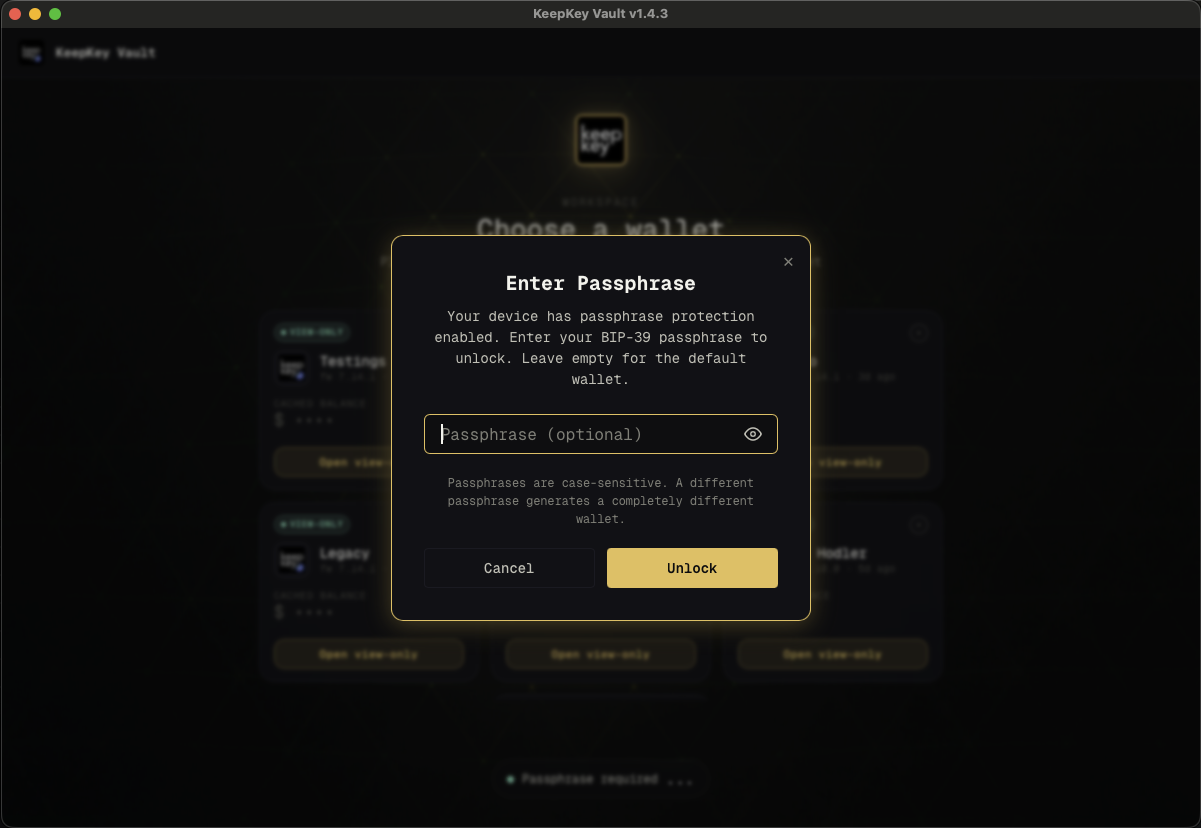
Open Settings → Security and turn on BIP-39 Passphrase. The desktop application will ask for the passphrase every time you unlock the device from then on.
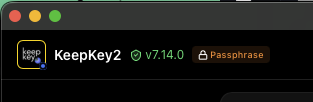
A passphrase indicator appears in the titlebar so you always know which wallet you’re operating in:
Related
- Recovery Phrase — why the seed phrase matters
- Settings — toggling passphrase protection