Welcome to KeepKey
KeepKey is a hardware wallet — a small physical device that holds the private keys to your cryptocurrency. Your keys are generated on the device and never leave it. Every transaction is reviewed and approved by pressing a button on the device itself, with the device designed to keep signing keys separate from the host. Understanding what you approve and keeping the recovery phrase safe remain essential.
If you just unboxed a KeepKey, start here. Brand new to crypto? Read Crypto Basics first — it explains wallets, keys, and recovery phrases in plain language. If you’re building an app that talks to a KeepKey, jump to the developer section at the bottom.
New here? Start with the basics
Three things every KeepKey owner should understand before doing anything else:
Set up your KeepKey
- Download the desktop application for macOS, Windows, or Linux from keepkey.com/desktop .
- Plug your KeepKey in with the USB cable and launch the application.
- Follow the setup wizard. The app walks you through creating a new wallet (or recovering an existing one), writing down your recovery phrase, and setting a PIN.
- Write your recovery phrase on paper. Not in a password manager, not as a photo, not typed into a computer. Paper. In a safe place.
- Receive a small test amount first. Before sending anything meaningful to your new wallet, try a small deposit and confirm it arrives — verify the receive address on the device screen before you share it.
Find the guide for your task
| I want to… | Start here |
|---|---|
| Understand crypto | Crypto Basics → Networks and tokens |
| Set up a new device | Install → Set up → Verify backup |
| Receive or send | Send and receive → Verify on device |
| Understand an approval | Signing and approvals |
| Fix a problem | Troubleshooting |
| Evaluate security | Security → Test Atlas |
| Build an integration | Quickstart → API reference |
The KeepKey apps
Start with the desktop application for device setup and wallet operations. The browser extension and mobile companion serve different tasks; their availability and requirements are documented separately.
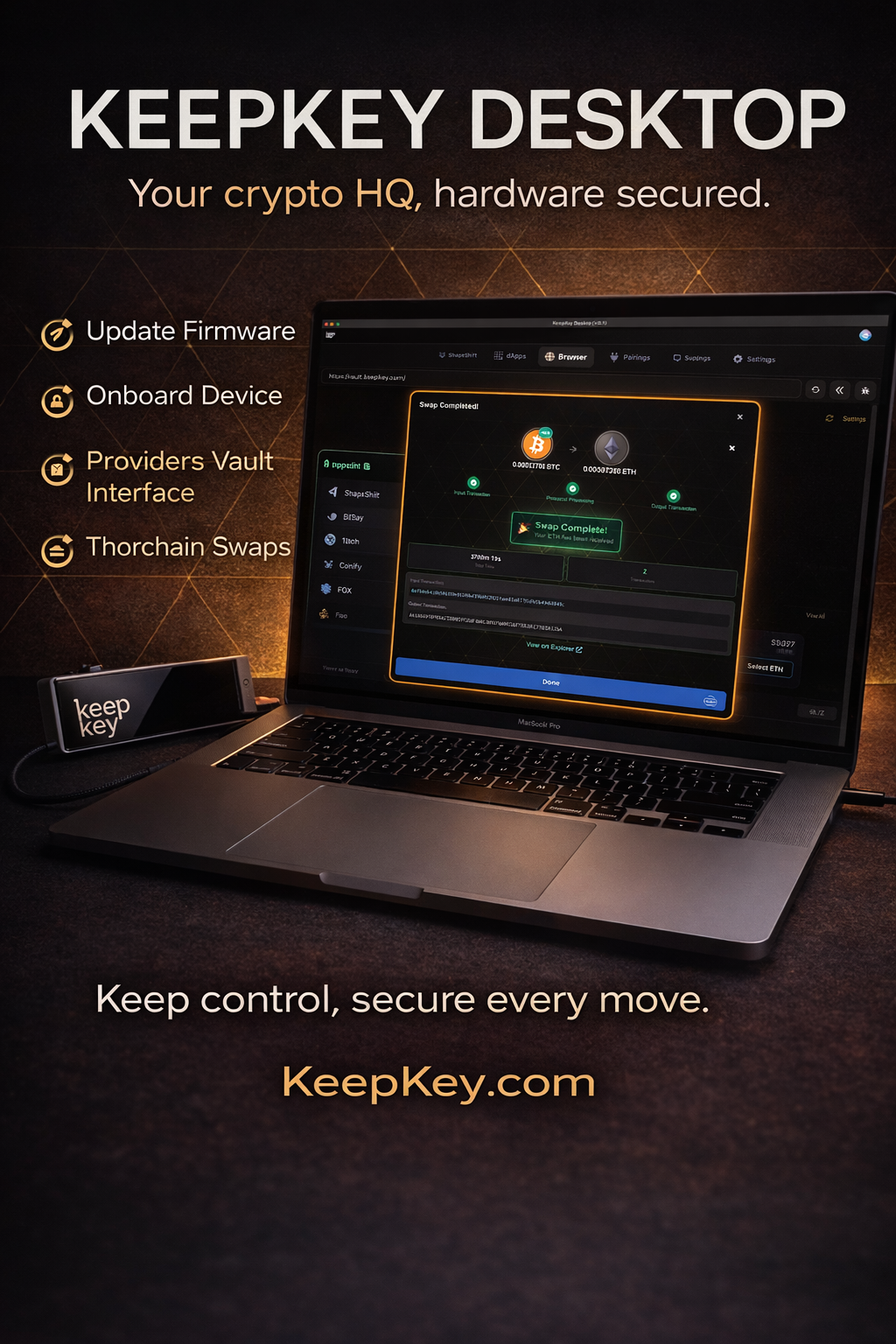 Desktop Application
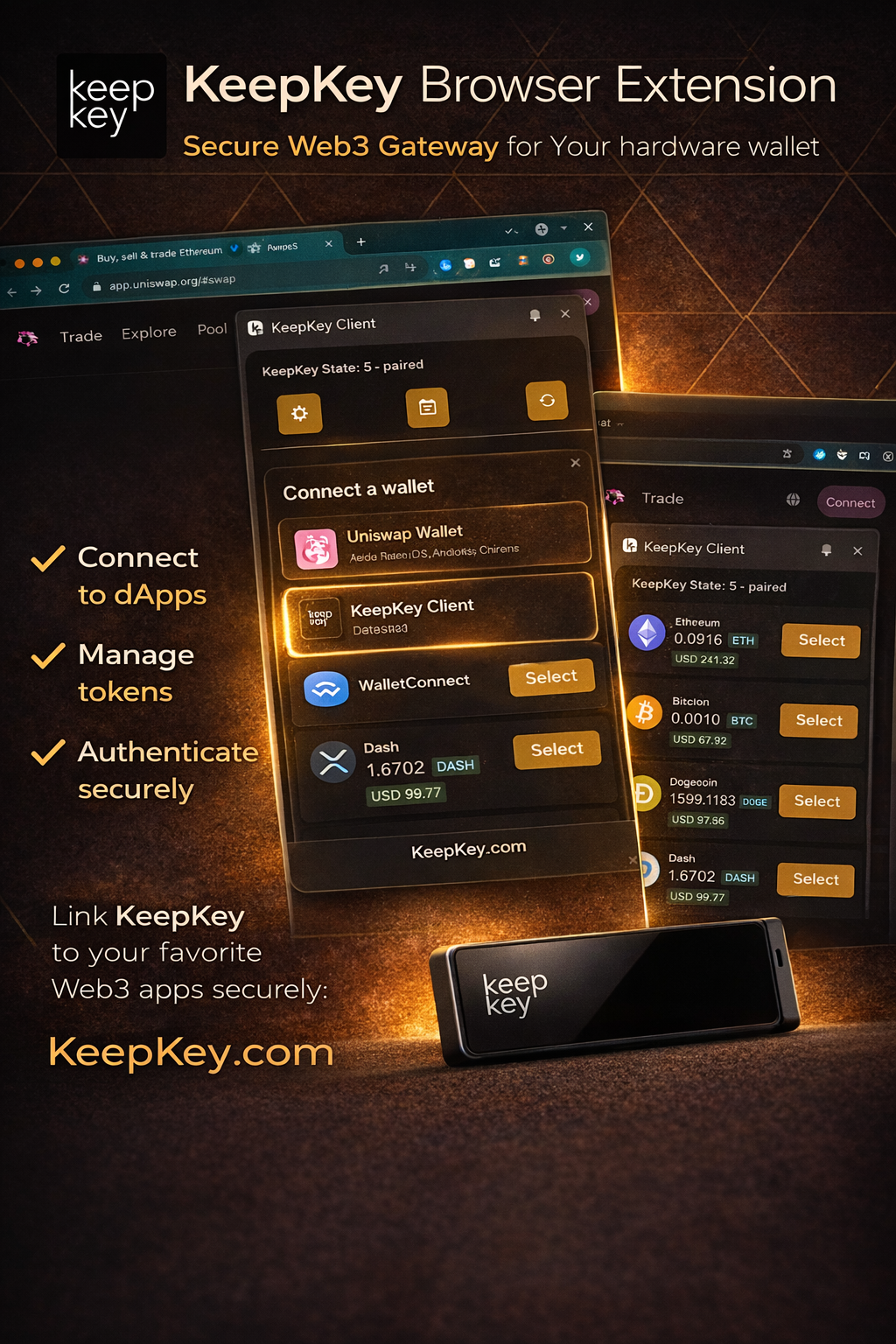 Browser Extension
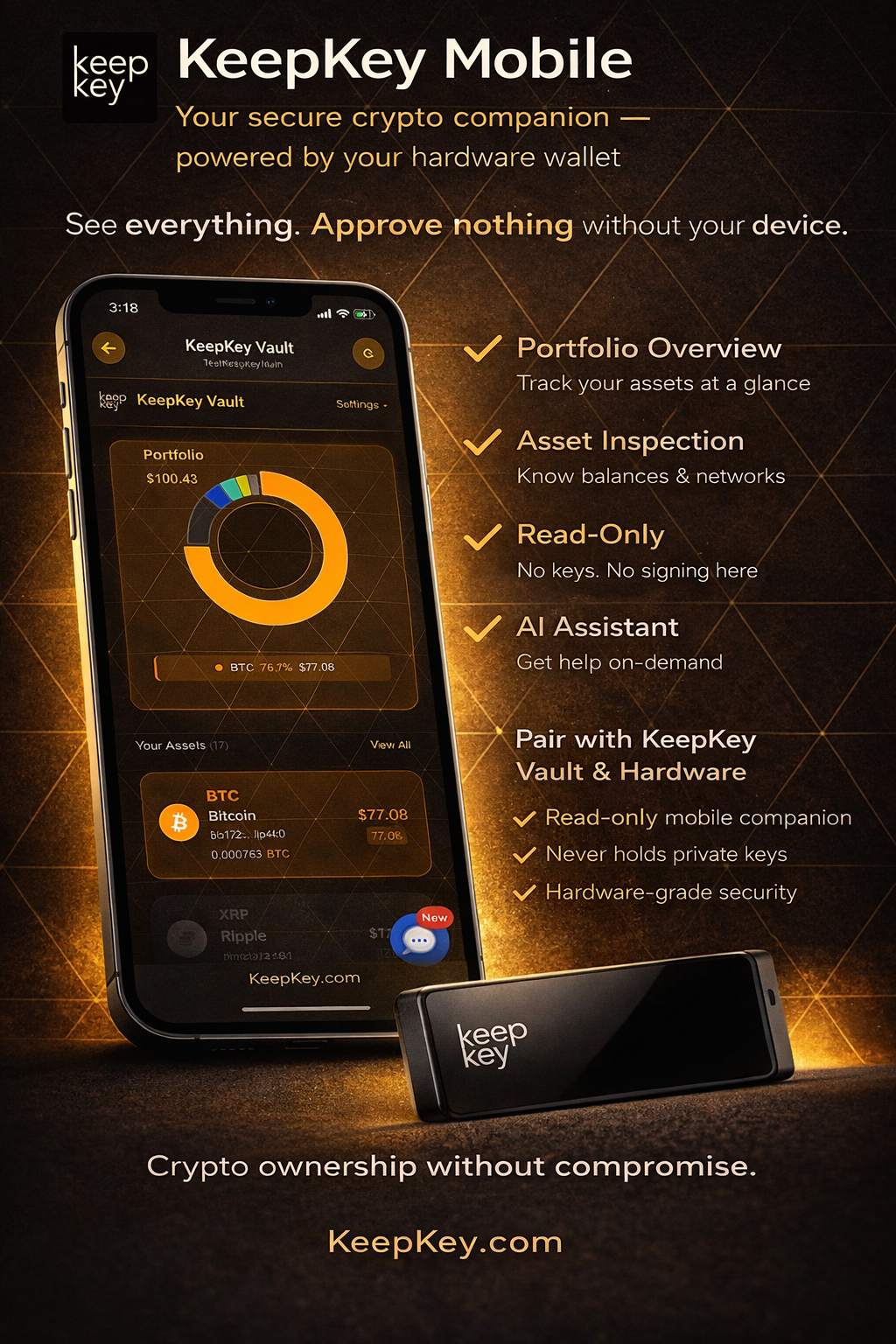 Mobile App
Common questions
- I lost my KeepKey. Are my funds gone? No. Your funds live on the blockchain, not the device. As long as you still have your recovery phrase, buy another KeepKey (or any BIP39-compatible wallet) and recover the wallet with those words.
- I forgot my PIN. Wrong PIN attempts don’t wipe the device — after three failures it makes you wait, and the wait doubles with every further wrong guess. To get back in, wipe the device from KeepKey Desktop (Forgot your PIN?) and recover it from your recovery phrase on the same device or a new one.
- Someone might have seen my recovery phrase. Move your funds to a new wallet on a new device immediately. Recovery phrases can’t be rotated — once exposed, the wallet is no longer safe.
- Do I need to trust KeepKey the company? No. The firmware is open source, cryptographically signed, and runs only on the device. KeepKey (the company) has no way to move your funds.
Support
- Download the desktop application: keepkey.com/desktop
- Buy a KeepKey: keepkey.com/store
- Issues: github.com/keepkey/keepkey-vault/issues
- Support: Contact KeepKey support
- Haven’t used your KeepKey in years? Coming back to an old KeepKey
For developers
Building an app that talks to KeepKey? The desktop application exposes a local REST API on http://localhost:1646 when it’s running. Any app — web, native, CLI, or bot — can pair with it and request signatures from the hardware device.
npm install keepkey-vault-sdk- Quickstart — install the SDK, pair, make your first call
- Authentication — how pairing and bearer tokens work
- SDK reference — typed API, auto-generated from source
- REST reference — full OpenAPI spec, interactive