Set Up Your KeepKey
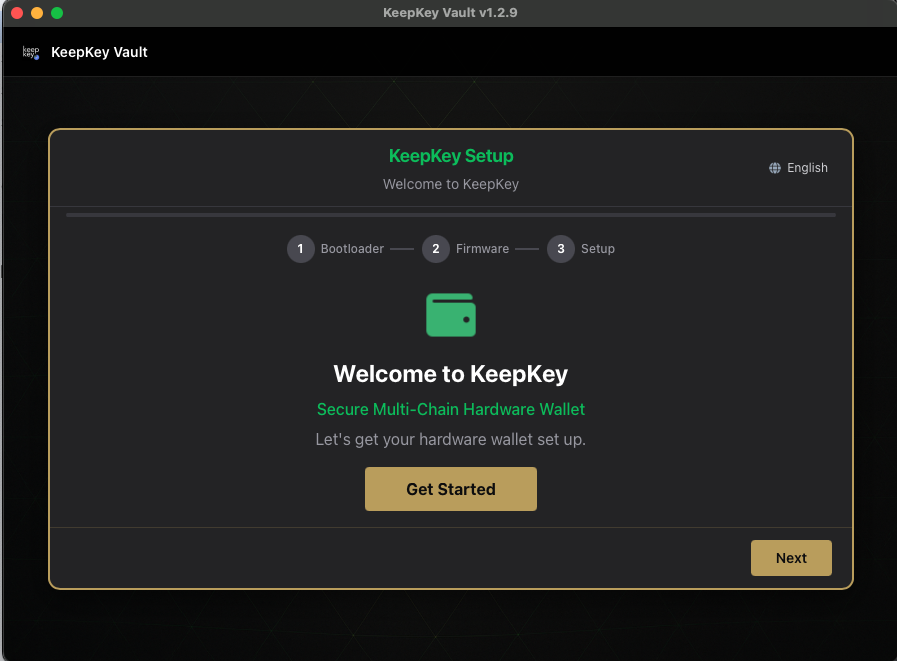
KeepKey Desktop walks you through setup the first time you connect a new or wiped KeepKey. This page is the whole flow in order. Each step links to a page with the full explanation; the app links to those same pages, and their URLs will not change.
Before you start
- Be somewhere private, out of view of people, cameras and windows. The recovery phrase appears on the device screen.
- Creating a wallet: have paper and a pen ready. The words are shown once.
- Recovering a wallet: have your written recovery phrase in hand, and know whether it has 12, 18 or 24 words.
The steps
-
Bootloader and firmware. A device with factory firmware is updated first. See Firmware Updates.
-
Three intro cards (you can skip them): Your PIN is Scrambled · Your Words = Your Wallet · Scrambled Recovery Entry
-
Set Up Your Wallet. Choose Create New Wallet or Recover Existing Wallet, and the number of words.
-
On the device. Set your PIN on the scrambled grid, then either write down the new words or enter your existing words with scrambled recovery entry.
-
Name Your Device. Optional.
-
Verify Your Recovery Phrase. New wallets only. Don’t skip it.
-
Three tips cards: Trust Your Device Screen · App Connections Are Off · Hidden Wallets
You can skip the first two. Hidden Wallets can’t be skipped: you choose whether to turn on a passphrase (you can change this later in Settings).
-
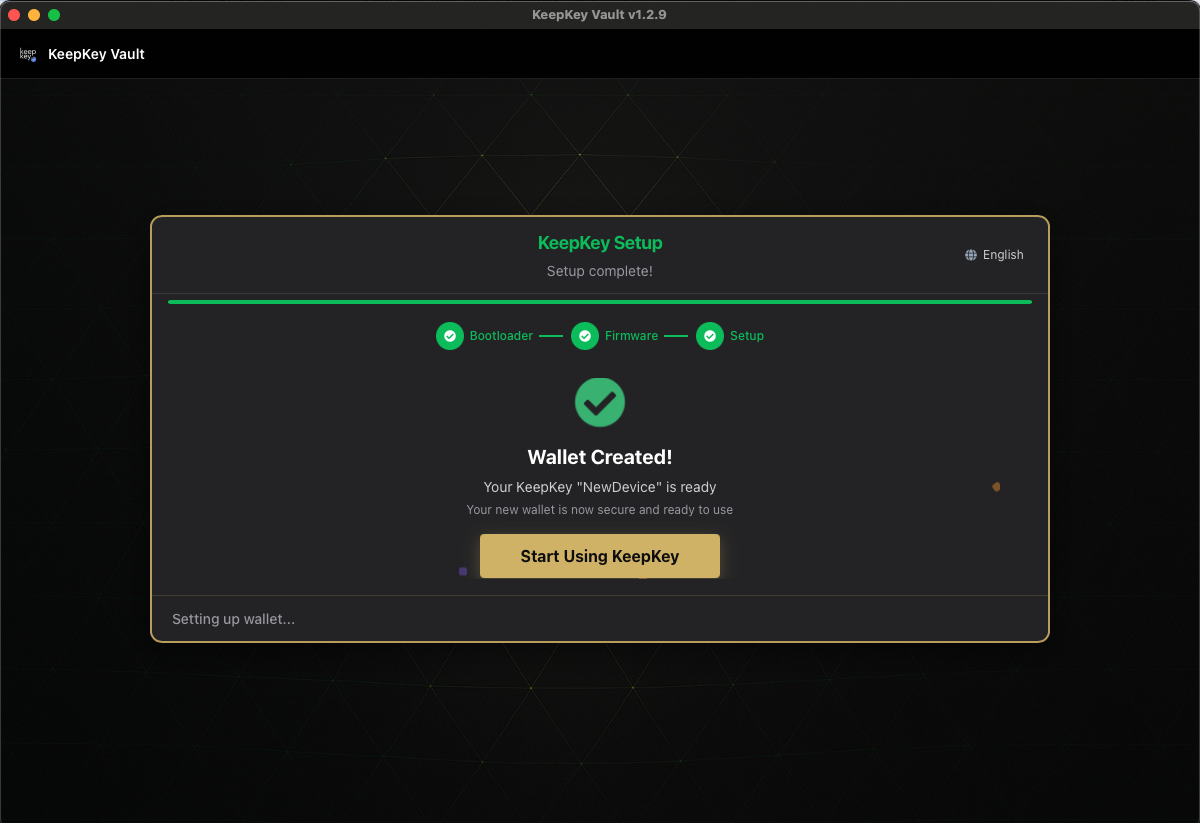
Done. You land in your portfolio.
After setup
- Store your written phrase safely: Recovery Phrase
- Before each approval, check what the device shows: Verifying Transactions
- To change your PIN or label later, go to Settings