Set Up Your Wallet
“Choose how you’d like to set up your KeepKey.”
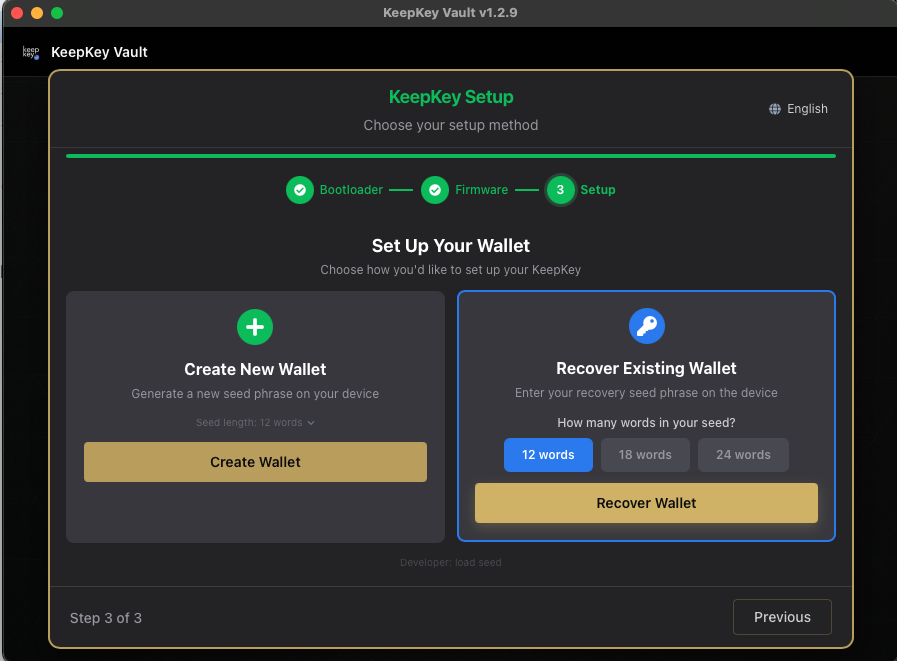
Everything from this screen on writes to the device.
Create New Wallet
Choose this if you don’t already have a recovery phrase you want to use. The device generates the seed itself and shows the words only on its own screen. Have paper and a pen ready: the words are shown once.
Before the device creates the seed, KeepKey Desktop offers two optional checks:
- Verify device randomness. This audit “detects a generator that is stuck, repeating, or visibly biased.” It “cannot prove the randomness is unpredictable — no output test can.”
- Add your own dice rolls (on firmware that supports it). You roll a physical die and enter the results with the device button, so they never touch the computer. They are mixed into the seed with the device’s own randomness. It takes a few minutes. If you skip it, the device supplies all the randomness.
Recover Existing Wallet
Choose this if you already have a 12, 18 or 24-word phrase, from an older KeepKey or another BIP-39 wallet. You enter it with scrambled recovery entry, not a text box.
Set How many words in your seed? to match your backup exactly. A mismatched word count is the most common recovery problem.
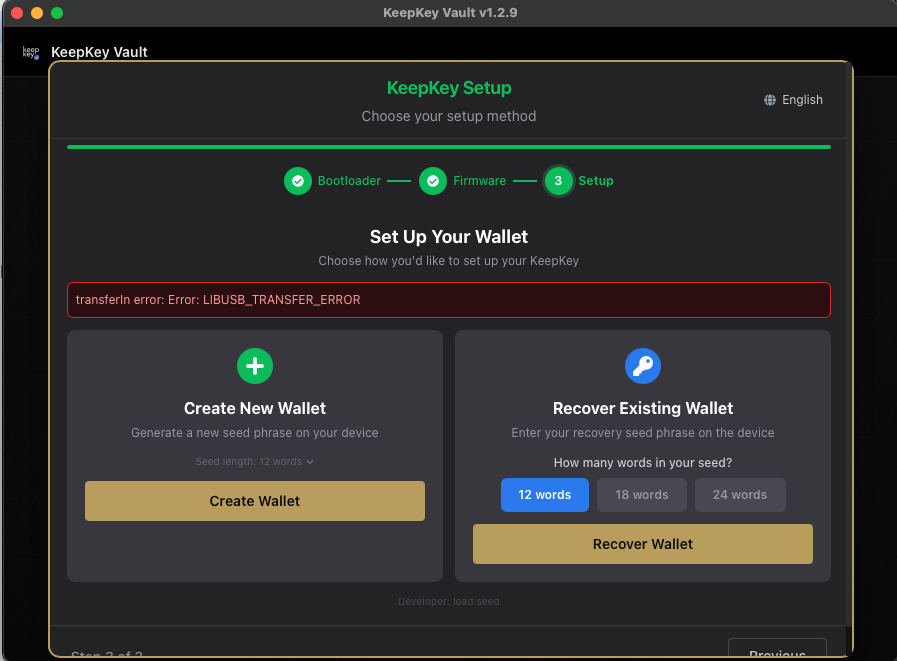
Seed length and entropy
When creating, Seed length lets you choose 12, 18 or 24 words. The app notes:
“Bitcoin’s core standard is 128-bit (12 words). 256-bit seeds are supported but not recommended.”
Twelve words carry 128 bits of entropy, and 24 carry 256. The keys derived from either are limited to about 128 bits of security by the curve they use, so more words add transcription risk without raising that limit. 12 words is the recommended default. Choose 24 if you are recovering a 24-word phrase or a policy requires it. The full reasoning is in 12 vs 24 Words.
Seed length is separate from a passphrase.
Related
- Creating Your Wallet: the next screen
- Set Up Your KeepKey: the full setup flow