Skip to Content

Trust Your Device Screen

“Always confirm the address and amount on your KeepKey before approving. Your computer can be compromised; your device screen cannot. Especially for large transactions.”

— card 1 of 3, shown after setup

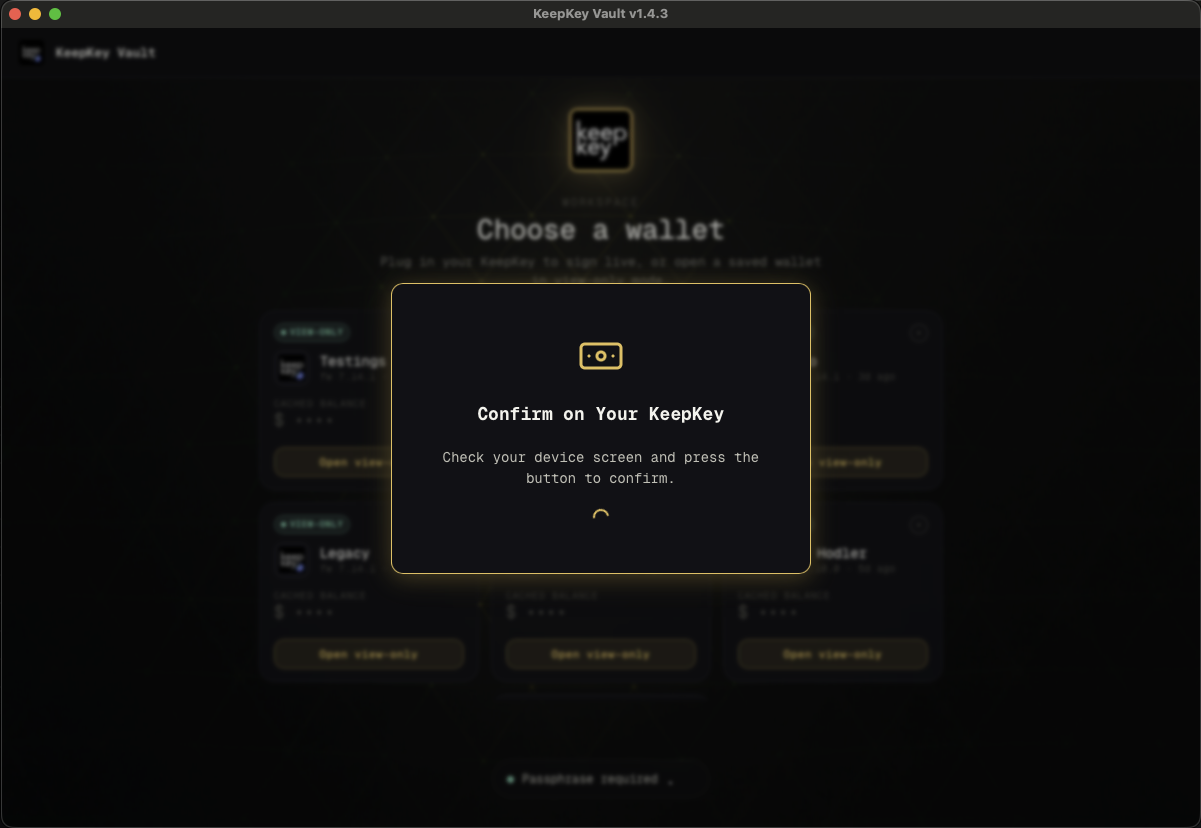
Confirming a transaction on the device

What this screen is telling you

This is the whole point of owning a hardware wallet, compressed into one sentence.

A hardware wallet does not protect you because it stores keys offline. It protects you because it has its own screen and its own button, so it can show you what you are actually signing and refuse to sign without a physical press. Take away the screen and it’s just a slow USB key.

The attack it stops

Malware on your computer cannot extract your private keys from a KeepKey. So it does the next best thing: it changes what you’re signing after you’ve decided to sign it.

Clipboard hijacking. You copy a friend’s address. Malware silently replaces it with the attacker’s. Your computer shows the address you copied. The device shows the address you’d actually be paying.

Malicious dApp. The website says “approve 50 USDC.” The transaction it built approves unlimited spend on your entire balance. The device shows the real payload.

Compromised UI. Any part of your desktop — browser, app, extension — could be lying about the numbers.

In all three cases the device screen shows the truth, because the device builds its display from the transaction it is about to sign, not from what the computer claims.

That defense only works if you read it. A KeepKey whose button you press without looking gives you nothing that a hot wallet doesn’t.

What to check, every time

Reviewing a transaction
  1. The recipient address. Not the first four characters — the first and last several, and ideally the middle. Address-poisoning attacks generate lookalikes that match at both ends.
  2. The amount, and its units. Confirm the decimal point is where you expect.
  3. The network fee.
  4. The chain. Right asset, right network.

If anything on the device differs from what your computer showed, reject it and unplug. A mismatch means your computer is compromised. Do not retry on the same machine.

Verify the address on the device when receiving, too

The same logic applies in reverse. When you display a receive address, confirm it on the KeepKey screen before handing it out — otherwise malware can show you an attacker’s address to give to whoever is paying you.

Last updated on